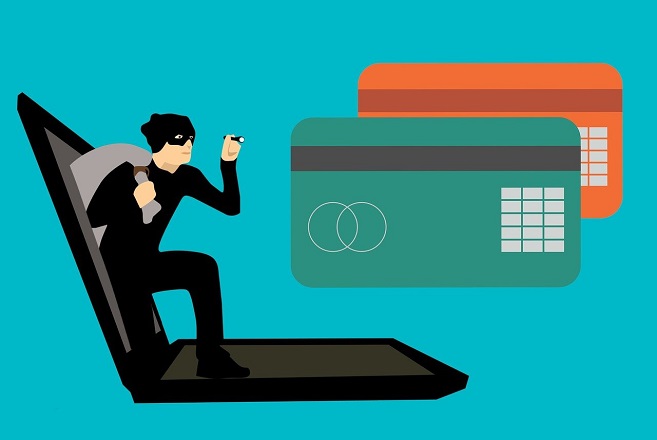
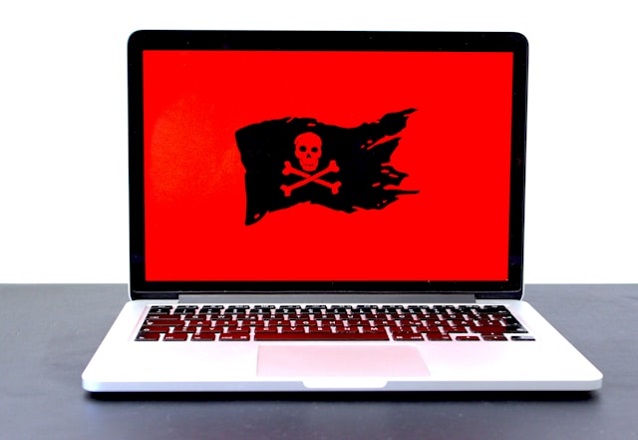
– A Cautionary Guide to Becoming Your Own Worst Online Enemy
Welcome to What Not to Not, where we take a sharp left turn into digital disaster so you don’t have to. Today’s topic? How to expertly sabotage your own digital life in just a few easy, avoidable steps. If you’ve ever wondered how to invite identity theft, crash your devices, or permanently lose your data, this is your definitive guide.
1. Use the Same Password for Everything
Because why remember multiple passwords when one “password123” can rule them all? Better yet, reuse that golden key across email, banking, and social media. That way, when one account is hacked, the rest go down like dominoes. Efficiency!
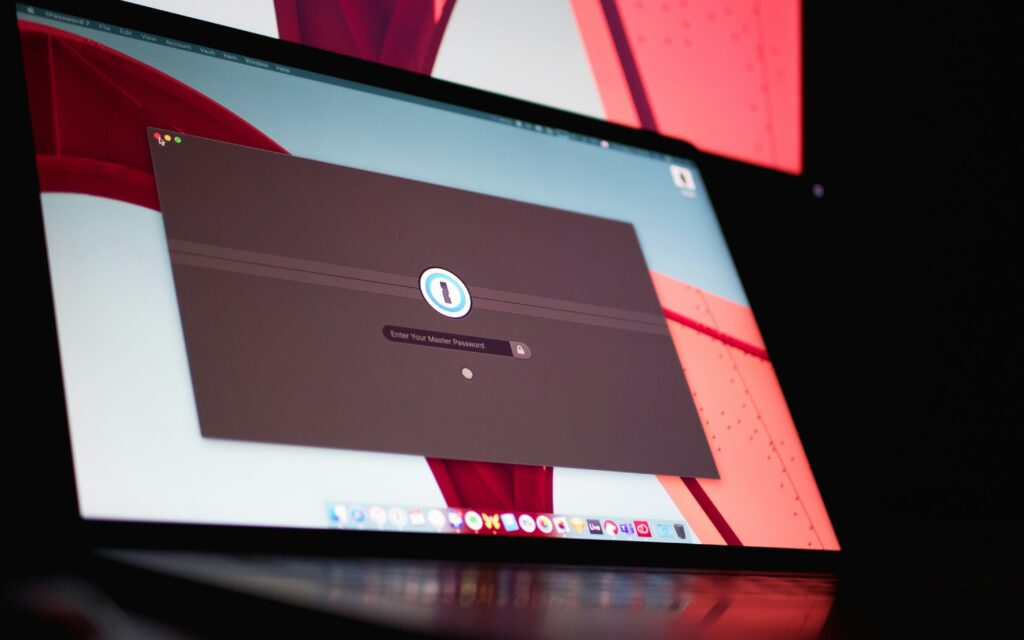
What Not to Not Do: Use a password manager. Create unique, strong passwords for each account. Yes, it’s annoying. But you know what’s more annoying? Getting locked out of your life.
2. Click Every Popup That Looks Interesting
“Congratulations! You’ve won an iPhone!” – and a delightful payload of malware. Clicking random popups is a fantastic way to install viruses, ransomware, or just give hackers a backdoor into your system. Don’t worry about legitimacy – just go with your gut!
What Not to Not Do: Install an ad blocker. Be skeptical of anything flashy, urgent, or too good to be true. Hover before you click. Curiosity killed the cat—and your hard drive.
3. Ignore All Software and Security Updates
Updates are just tech companies trying to bother you, right? Wrong. They patch critical vulnerabilities that hackers love to exploit. But hey, your 2017 operating system still technically works, doesn’t it?
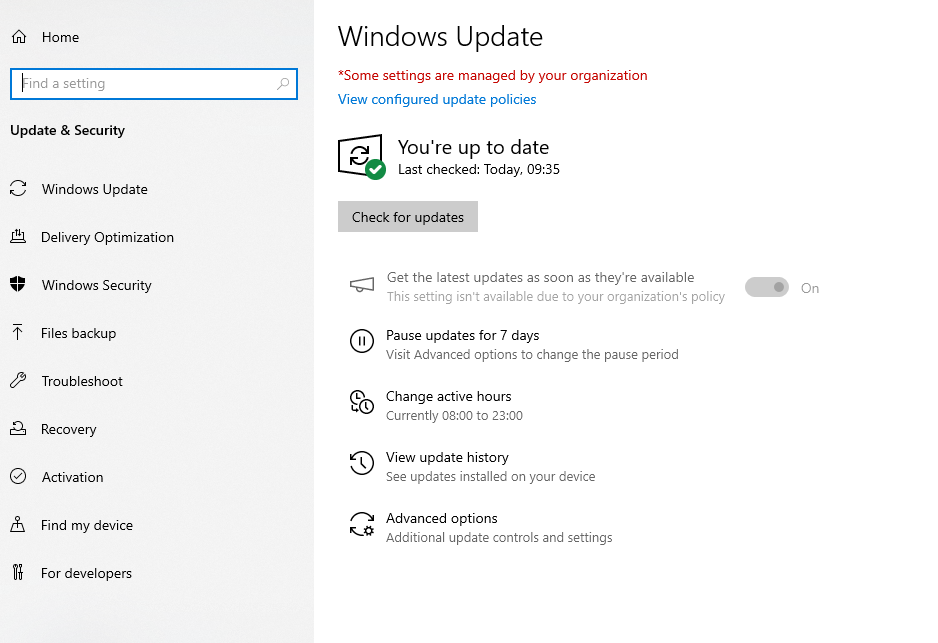
What Not to Not Do: Enable automatic updates. Restart when prompted. Security patches aren’t optional—unless you enjoy being part of the next massive data breach.
4. Overshare on Social Media
Tag your vacation photos in real-time, announce your mother’s maiden name on Facebook, and share your pet’s name and birthdate. Identity thieves will thank you for making their job so easy.
What Not to Not Do: Keep personal info private. Review your privacy settings regularly. Assume that anything you post could one day be public (or weaponized).
5. Never Back Up Anything, Ever
Why back up your files when you can live on the edge? Losing a decade’s worth of family photos, tax documents, or your novel-in-progress in a single crash is the thrill of digital Russian roulette.

What Not to Not Do: Use cloud services or an external hard drive. Automate backups. Test recovery occasionally. You’ll thank yourself when disaster strikes.
6. Trust Every Email That Looks Vaguely Official
“Your account has been compromised. Click here to fix it.” Sounds legit! Who needs to check sender addresses or spelling mistakes?
What Not to Not Do: Treat unexpected emails with caution. Don’t click suspicious links. Contact companies directly if in doubt.
7. Use Public Wi-Fi to Log into Everything
Airports, coffee shops, public parks—if there’s free Wi-Fi, why not log into your bank while sipping a latte? Man-in-the-middle attacks are just a myth… right?
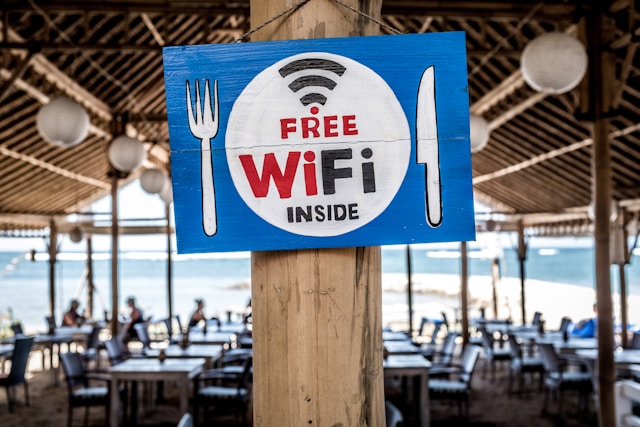
What Not to Not Do: Use a VPN on public networks. Avoid sensitive transactions outside your secure home connection.
Final Thoughts
Ruining your digital life is shockingly easy. All it takes is a little negligence and a lot of trust in the wrong places. But the good news? Every mistake on this list is entirely preventable.
So go ahead—do not do these things. And if you catch yourself slipping into bad habits, remember: the digital you deserves better.
Liked this?
Subscribe to What Not to Not for more reverse-engineered wisdom and preventative sarcasm. Because sometimes the best way to learn what to do… is by seeing exactly what not to do.